


Best CNC Routers and Blade Cutters: 2026 Buyer’s Guide for Sign Shops & Manufacturers
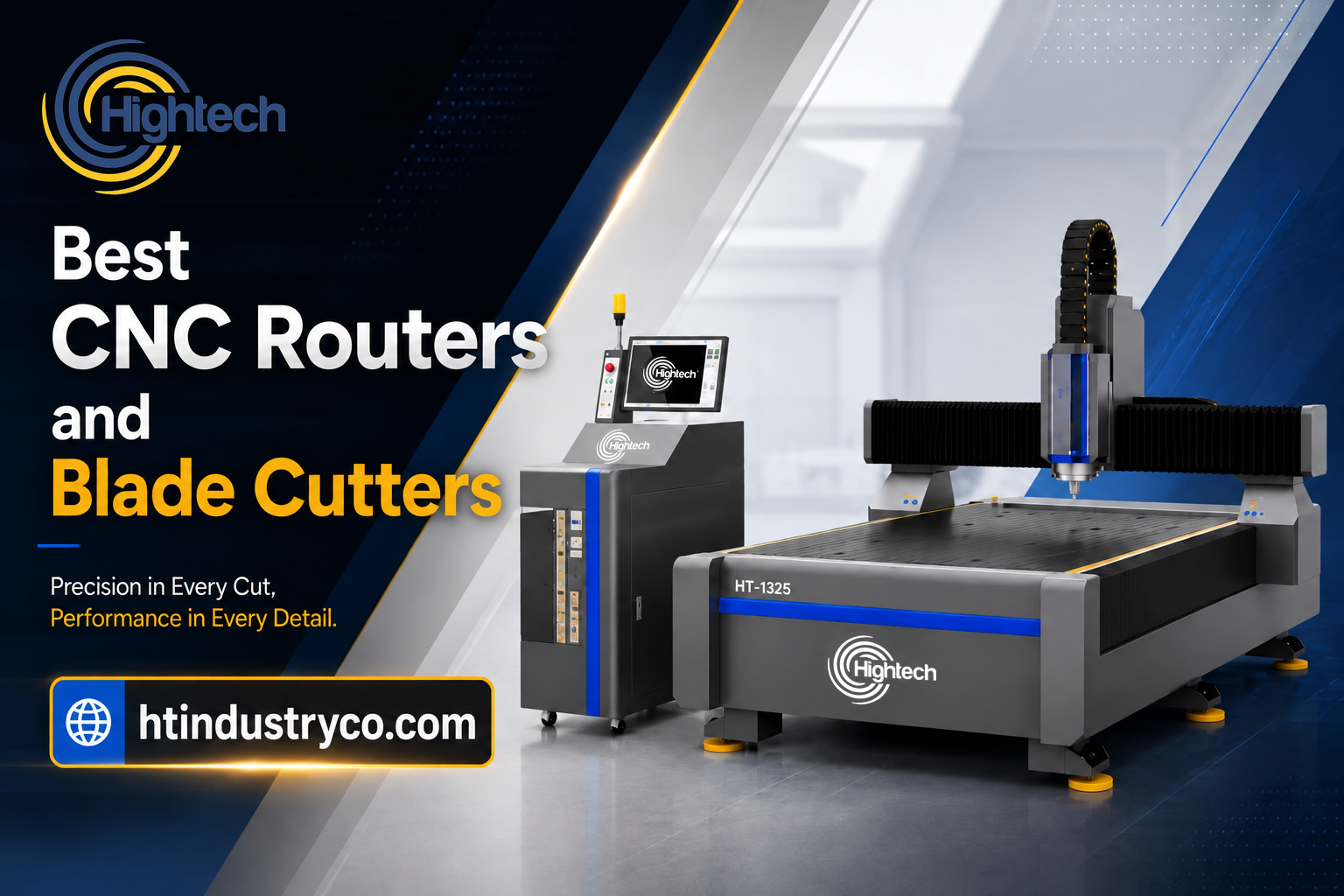
Table of Contents
Choosing between a CNC router, a blade cutter, and a machine that combines both processes affects which materials you can accept, how quickly jobs move through production, and what support infrastructure your workshop needs. The best CNC routers and blade cutters are not simply the machines with the highest spindle power or longest feature list. The right choice must match your substrates, required operations, sheet size, daily volume, automation needs, facility, and service expectations.
This guide compares the main processes, maps common sign and fabrication jobs to suitable systems, and compares seven Hightech models using their official product data sheets.
Quick Answer: Which CNC Router or Blade Cutter Is Best for You?
Choose a CNC router for routing and engraving rigid materials such as acrylic, ACP, MDF, wood, and PVC; choose a blade or oscillating-knife cutter for compatible flexible materials and boards. For shops that handle both, the Hightech HTR5 combines a 3.2 kW water-cooled spindle and vibrating blade cutter on one table. For repeated multi-tool routing, consider the HT RX6 with automatic tool change. Match the configuration to a sample job before deciding which is the best industrial CNC router for your production.
CNC Router vs. Blade Cutter: Side-by-Side
This comparison table is the fastest way to decide which machine category matches your work.
|
Machine Type |
Cutting Method |
Best Materials |
Best For |
|---|---|---|---|
| CNC Router | Rotary spindle with milling/router bits | Acrylic, ACP/aluminum composite, MDF, wood, PVC, foam | Channel letters, 3D signage, hard-substrate cutting & engraving |
| Blade / Oscillating Knife Cutter | Drag, oscillating, or pneumatic blade | Vinyl, foam board, corrugated, cardboard, leather, gasket, textiles | Packaging prototypes, soft signage, display & POP production |
| Combo Router + Knife | Interchangeable spindle and oscillating-knife heads | Both rigid and flexible materials on one table | Sign shops and producers running mixed-material jobs daily |
Material suitability depends on the installed tool, stock grade and thickness, and hold-down method. A router spindle, oscillating knife, and driven rotary blade perform different operations; confirm the required tool rather than treating every CNC cutter as interchangeable.
Best CNC Routers and Blade Cutters Compared
Hightech Industry Group manufactures CNC routers and blade cutters for signage, advertising, and industrial fabrication. The seven models below cover different production needs within the Hightech range. Every machine carries a 1-year warranty plus lifetime after-sale technical support; confirm coverage, exclusions, and service costs for your destination before ordering. Explore the CNC routers range alongside the comparison.
|
Model |
Type |
Best Suited For |
|---|---|---|
|
HTR5 |
Router + oscillating-knife combo |
The flagship for mixed-material shops — rigid cutting and flexible-material knife work on one machine. |
|
HT R6 |
Heavy-duty CNC router |
High-speed, high-precision production with servo motors, vacuum table, and dust collection. |
|
HT RX6 |
CNC router / engraving |
Versatile engraving and cutting for signage and woodworking workshops. |
|
HT R3 Q |
CNC router / engraving |
Reliable mid-range router for sign shops scaling up production. |
|
HT R3 E |
Entry CNC router / engraving |
Cost-effective starting point for small businesses and first production lines. |
|
HT R1 Q |
Compact CNC router |
Small-format work on a 600 × 900 mm bed |
Best Heavy-Duty Industrial Router: HT R6 or HT RX6
The HT R6 and HT RX6 are the strongest options in the range for demanding rigid-panel routing. Both are available with 1300 × 2500 mm or 1500 × 3000 mm working areas and use vacuum tables. The R6 combines a water-cooled spindle with AC servo motors, automatic tool setting, automatic lubrication, and an MDR CNC control system. Its vacuum system uses two 2.2 kW pumps on the 1325 version and four 2.2 kW pumps on the 1530 version.
This makes it a strong production router for acrylic, polycarbonate, ACP, wood, and other compatible rigid panels. Confirm the R6 spindle rating in the final configuration before ordering.
The RX6 moves into heavier, multi-tool production with a 7.5 kW water-cooled spindle, automatic tool change, automatic tool setting, vacuum adsorption, and a Leadshine high-speed drive system. Choose the R6 when strong full-sheet routing and servo-driven production are the priority. Choose the RX6 when jobs repeatedly require several tools and the time saved by automatic tool changing matters to throughput.
Best Router + Oscillating-Knife System: HTR5
The HTR5 combines a 3.2 kW water-cooled spindle with a vibrating blade cutter, allowing one machine to route rigid substrates and blade-cut compatible flexible or semi-rigid materials. It is available with 1300 × 2500 mm and 1500 × 3000 mm working areas, a vacuum table, Leadshine high-speed drive, ground rack transmission, square guide rails, and a 190 mm feeding height. Typical applications include acrylic, polycarbonate, ACP, and KT board processing.
It is particularly useful for sign, display, and packaging businesses that regularly move between routed panels and blade-cut media. If routing and knife cutting must run simultaneously throughout the day, two dedicated machines may still provide higher parallel output.
Best Full-Sheet General Production: HT R3 Q
The HT R3 Q is a full-sheet router available in 1300 × 2500 mm and 1500 × 3000 mm sizes. It uses a 3.2 kW water-cooled spindle, vacuum table, dual 2.2 kW vacuum pumps, 4–8 independently controlled vacuum zones, automatic tool setting, Leadshine micro-step drive, and NV-103A control with a wireless controller. Its electrical system is housed in an internal cabinet, and it uses a 3.0 kW frequency converter.
Consider the HT R3 Q for recurring full-sheet routing when vacuum hold-down and automatic tool setting suit your production workflow.
Best Compact Router: HT R1 Q
The HT R1 Q is a compact option for small-format signs, acrylic and PVC components, engraving, prototypes, and workshops that do not need full-sheet processing. It uses a 600 × 900 mm working bed, 2.2 kW water-cooled spindle, vacuum table with a 2.2 kW pump, Leadshine drive, stepper motors, floating tool setting, and an NV-103A control system with wireless handle.
Its compact footprint is easier to place in a small workshop, but it is not a substitute for a 4 × 8 ft-class production bed when full sheets must be processed in one setup. Confirm whether additional automatic Z-axis calibration is included in the quotation.
Best Mechanically Clamped Entry Configuration: HT R3 E
The HT R3 E is a full-sheet router available with 1300 × 2500 mm or 1500 × 3000 mm beds. It uses a 3.2 kW water-cooled spindle, aluminum T-slot table, Leadshine micro-step drive, NV-103A control with wireless controller, automatic lubrication, square linear guides, and a 200 mm feeding height. The T-slot table supports direct mechanical clamping, which is useful for irregular parts, varied sheet sizes, and fixtures that cannot rely on vacuum alone.
For repetitive full-sheet work, compare clamping and loading time with a zoned vacuum-table setup using your actual parts.
How to Choose the Best CNC Router or Blade Cutter
Spindle Power, Tooling, and Knife Options
Spindle power cannot be selected from thickness alone. Material, bit diameter and geometry, spindle speed, feed rate, depth per pass, hold-down, cooling, and finish target all matter. Higher power may support heavier cutting, but only when the frame, drive, tooling, electrical supply, extraction, and workflow are designed for it. Request cutting data or a sample test for the target material instead of relying on a universal kilowatt rule.
For blade systems, distinguish the tool functions. A drag knife follows the cutting path while rotating with movement and is suited to compatible thin media. An oscillating knife moves vertically to separate thicker or tougher flexible materials. Pneumatic oscillation may be specified for denser stock, while creasing wheels and V-cut tools support folds and display construction. Confirm which heads are standard, optional, or unavailable on the quoted machine.
Material, Thickness, and Required Operation
Build a production list using actual substrate names or grades, minimum and maximum thickness, largest sheet, desired edge quality, and required operations. Separate recurring work from occasional enquiries. A shop that cuts acrylic letters every day should prioritize rigid-sheet routing and extraction, while a packaging or display producer may gain more from knife, creasing, and camera-registration capabilities. Ask the supplier to test the most demanding representative job—not only the easiest sample.
Work Area / Table Size & Pass-Through
Buy a table that fits your largest standard sheet plus working margin. Common signage formats are 1300×2500 mm and 3000×1500 mm — both available on the HTR5. If you process full 4×8 ft sheets, check the usable cutting area and loading access before ordering.
A vacuum table provides hold-down; felt provides a cutting surface and does not hold stock by itself. Verify the hold-down arrangement for your material. Feeding height is clearance, not a guaranteed cutting thickness. Confirm pass-through capability separately rather than assuming a large bed provides it.
Drive System (Rack & Pinion vs. Ball Screw) & Frame Construction
Assess the complete motion system, frame rigidity, and maintenance requirements rather than choosing on drive type alone. The HTR5 combines fine-ground 1.25-module rack-and-pinion drive with a Z-axis ball screw and 2.0 square linear guides. Ask for a representative cutting demonstration to assess edge quality and repeatability under the intended load.
CCD Camera, Automation & ATC (Auto Tool Change)
For print-and-cut signage, a registration camera helps align the cutting path with printed marks. Automatic tool change (ATC) swaps routing tools without manual changes during a multi-tool program. Automatic tool setting measures a tool; it does not mean the machine has ATC. Evaluate time saved on your recurring jobs before paying for automation.
If you need an ATC CNC router with an oscillating knife cutting system, require both functions in the same written configuration and demonstration. The HT RX6 offers automatic tool change, while the HTR5 combines routing and vibrating-blade cutting. Do not assume either model includes the other’s capabilities, a camera, or creasing tools.
Controller & Software Compatibility
Confirm the controller works with the software your team already knows. Controller configurations vary by model: the R3 Q, Q Plus, R3 E, and R1 Q use NV-103A systems with wireless controls; the R6 uses MDR CNC control. The HTR5 and RX6 list Windows 10, 64-bit operation and G-code/HP-GL. Request a demonstration from your design file through CAM output to cutting, and confirm the supported operating system, post-processor, licences, and computer requirements for the quoted configuration.
Include CNC router software and mechanical troubleshooting in your support review so that communication errors, cut-quality faults, and motion problems have a clear response plan.
Total Cost of Ownership: Price, Consumables & Support
Purchase price is only the start. Factor in router bits and knife blades (both wear items), spindle and chiller maintenance, electricity, and — critically — how quickly you can get spare parts and support. Include CAM software, vacuum pumps, extraction, installation, training, and material handling in the comparison. Confirm which items are included and which cost extra.
Compare quotes for the same work area, tooling, automation, and delivery terms. Ask for the total electrical load of the complete installation, including pumps and extraction, and confirm voltage, frequency, and phase requirements for your workshop. Estimate payback from realistic job volume and operating costs rather than assuming every machine will pay for itself quickly.
How to Buy: Importing, Warranty, Spare Parts & Support
Hightech ships worldwide, including North America, with EXW, FOB, CIF, and DDP options. Customs clearance and local delivery arrangements depend on the destination and quotation. Confirm the named delivery location, unloading responsibility, and included charges before ordering.
- Lead time: typically 30–60 working days production, plus shipping by destination. Obtain an order-specific timeline.
- Payment: standard 30% deposit to begin production, 70% balance before shipment (T/T bank transfer). Confirm any local-stock or order-specific exceptions.
- Warranty & support: 1-year warranty with lifetime after-sale technical support; remote installation, setup, training, and troubleshooting via WhatsApp, Zoom, and video call. Confirm exclusions, replacement-part freight, and any chargeable services.
- Local presence: branches, partners, or support networks in the USA, Canada, Mexico, UAE, India, and England, where in-person service may be available. Confirm availability and costs for your location.
- Spare parts: replacement parts and consumables shipped worldwide by courier, air, or sea freight. Ask about stock and expected delivery for critical components.
For full specifications and a tailored quote, review the model pages above or request a quote directly. If you are also weighing laser cutting for signage, browse the fiber laser and CO2 laser categories, along with the channel letter bending machine range for related production steps.
Find the Right Machine for Your Application
Frequently Asked Questions
What is the best CNC router in 2026?
There is no single best for every shop. Within the Hightech range, consider HTR5 for combined routing and vibrating-blade cutting, HT R6 for servo-driven full-sheet routing, and HT RX6 for repeated multi-tool routing with automatic tool change. Choose using your materials, sample-cut results, production volume, and complete installed cost.
Which companies sell CNC routers and flatbed cutters to signage fabricators in North America?
Suppliers to investigate include Hightech Industry Group. Hightech supplies CNC routers and combined router-and-blade cutters to signage fabricators in North America. Compare each supplier’s quoted rigid-material routing, knife tooling, registration options, installation, and local service coverage for your specific location.
What spindle power do I need for my business?
Select spindle power from the material, tooling, feed rate, depth per pass, and required finish. A fixed kilowatt threshold cannot establish suitability for every thickness or production schedule. Ask for a sample cut with the proposed spindle and tooling on your most demanding recurring job.
Which Hightech industrial routers should I consider?
Hightech industrial options include the HT R6 for high-volume routing, HT RX6 for automatic multi-tool production, and HTR5 for combined routing and vibrating-blade cutting.
What size work area do I need?
Match the table to your largest standard sheet plus margin. Common signage beds are 1300×2500 mm and 3000×1500 mm. Check the usable cutting area, loading clearance, and fixture space; a compact 600 × 900 mm bed suits smaller work rather than full-sheet processing.
How much does an industrial CNC router cost?
Industrial CNC router prices are quotation-based. Work area, spindle, drive, ATC, camera, knife or creasing tools, vacuum and extraction equipment, safety options, software, shipping, duty or tax, installation, training, and support all affect the total. Compare quotes on the same configuration and Incoterm rather than using a generic global price.
What software and controller work with CNC routers and knife cutters?
Compatibility depends on the model and configuration. Confirm the controller, accepted file formats, CAM post-processor, supported operating system, and included licences. Test a file from your existing workflow before ordering rather than assuming every Hightech model uses the same controller or software setup.
Is a CNC router worth it for a small business?
It can be when recurring work justifies the complete cost. Compare current outsourcing costs and turnaround needs with finance, labour, programming, tooling, maintenance, and available machine hours. Consider the compact HT R1 Q for small-format work or the HT R3 E when full-sheet mechanical clamping fits the workflow; choose from the job requirements rather than workshop size alone.
Latest contents


Prefer a callback? Share your details and requirements below.
Your details will only be used to respond to this request.