


CNC Router vs Laser Cutter: Key Differences and Which One Should You Buy?
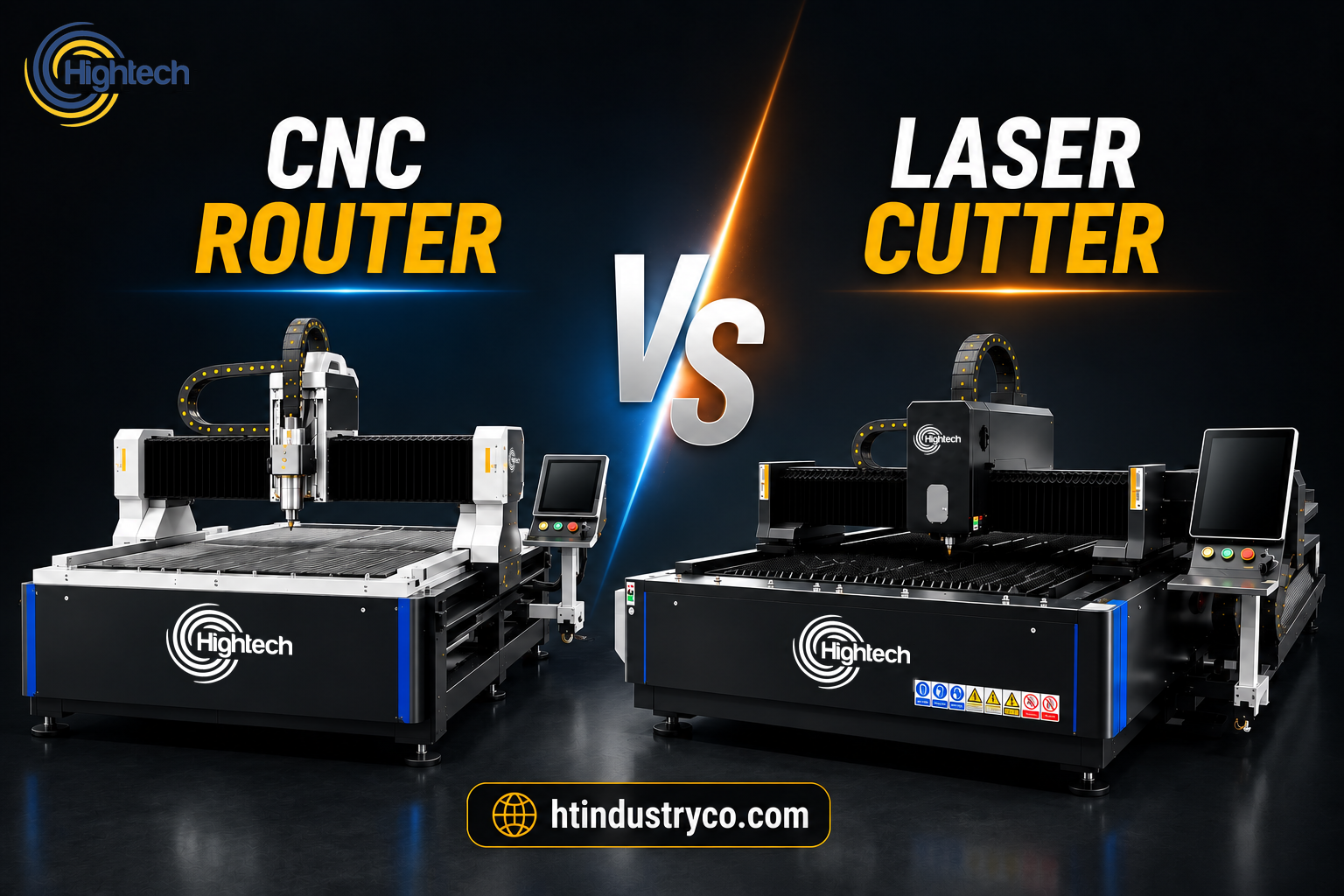
Table of Contents
Choosing between a CNC router and a laser cutter is not simply a question of which machine is more advanced. The better choice depends on what you manufacture, the materials you process, the type of cuts you need, and how the machine will fit into your production workflow.
A CNC router removes material with a rotating cutting tool. This makes it especially useful when a job requires more than cutting an outline, such as drilling holes, machining pockets, creating grooves, controlling cutting depth, or producing three-dimensional features.
A laser cutter works differently. It uses a focused laser beam to cut or engrave material without a physical cutting tool contacting the workpiece. This gives laser systems an advantage in many applications that require narrow cuts, intricate 2D details, engraving, or fast processing of sheet materials.
There is also an important distinction between CO2 and fiber laser machines. CO2 systems are widely used for compatible non-metal materials, while fiber laser cutters are designed primarily for metal processing.
Understanding these differences will help you determine whether a CNC router or laser cutter is the better investment for your business.
Quick Fact
Choose a CNC router when your work requires depth control, pockets, drilling, grooves, thicker materials, or 3D machining. Choose a laser cutter when the priority is fine 2D detail, engraving, narrow kerf, or fast sheet cutting. For non-metal materials, CO2 laser systems are generally the relevant option, while metal fabrication typically requires a fiber laser cutting machine.
CNC Router vs Laser Cutter: Quick Comparison
The most important difference between a CNC router vs laser cutting machine is how material is removed. A router physically cuts material using a rotating tool, while a laser removes material with concentrated thermal energy.
|
Comparison Factor |
CNC Router |
Laser Cutter |
|---|---|---|
|
Cutting method |
Rotating cutting tool | Focused laser beam |
| Best-known materials | Wood, MDF, plastics, acrylic, composites and some metals | Depends on laser type: CO2 for many non-metals; fiber for metals |
| Cutting depth | Well suited to thicker stock and controlled-depth machining | Primarily optimized for sheet cutting |
| Pockets and grooves | Excellent | Not a primary capability |
| Drilling | Yes, depending on tooling | Limited compared with routing |
| 3D machining | Yes | Generally focused on 2D cutting and engraving |
| Fine 2D detail | Good | Often excellent |
| Kerf | Determined by cutter diameter | Typically narrow |
| Edge condition | May show tool marks or burrs | May show heat effects depending on material |
| Consumables | Router bits and other mechanical tooling | Depends on laser technology and machine configuration |
| Main shop requirement | Dust/chip extraction | Fume extraction and appropriate laser safety systems |
| Best use | Machining, routing, lettering, panels and dimensional work | Detailed cutting, engraving and sheet processing |
Key Differences Between a CNC Router and Laser Cutter
Material Compatibility and Cutting Thickness
Material compatibility is often the first factor that eliminates one option or the other.
CNC routers are commonly used for materials such as wood, plywood, MDF, plastics, acrylic, PVC, sign board and other machinable sheet materials. With the right machine, tooling and cutting parameters, routers can also process certain metals and composite materials.
Because the cutter physically enters the material, CNC routing is especially useful when the workpiece is relatively thick or when different depths must be machined within the same part.
The capabilities of a laser cutter depend heavily on the type of laser.
CO2 laser cutting and engraving machines are widely suited to compatible non-metal materials such as acrylic, wood, MDF, leather, fabric and paper.
Fiber laser cutting machine, by contrast, are the more appropriate path when the objective is industrial sheet-metal cutting.
This distinction is important when comparing a CNC router with a laser cutter. “Laser cutter” is a broad machine category, and a CO2 laser and fiber laser should not be treated as interchangeable technologies.
If your production involves both metal and non-metal materials, our guide to fiber laser vs CO2 laser provides a more detailed technology comparison.
Cutting, Engraving, Drilling, Pockets, and 3D Capability
This is one of the clearest differences between the two machine classes.
A CNC router can move a cutting tool through the X, Y and Z axes while controlling machining depth. Depending on the tooling and machine configuration, it can perform operations such as:
- Profile cutting
- Engraving
- Drilling
- Pocketing
- Grooving
- Recessing
- V-carving
- 3D relief machining
That makes CNC routing particularly useful when a finished part requires several machining operations rather than a simple 2D outline.
For a deeper explanation of the process, see how a CNC router works.
Laser cutters are strongest in a different area. They can cut detailed 2D profiles and engrave surfaces without changing between conventional cutting tools. This can simplify production of complex outlines, lettering and repeated decorative patterns.
However, if you need deep pockets, controlled recesses, drilled features or true 3D machining, a laser cutter generally does not replace the functionality of a CNC router.
Accuracy, Precision, Kerf Width, and Fine Detail
When people ask about CNC router vs laser cutter accuracy, the answer requires more context than simply naming one machine.
Both technologies can produce accurate parts when the machine is correctly configured and operated.
Laser cutting, however, has an important advantage for intricate 2D work: there is no physical cutter diameter defining the smallest feature. A focused laser beam can create a narrow cutting path, making it particularly effective for fine lettering, detailed patterns and closely spaced profiles.
CNC routers can also achieve high dimensional accuracy, but their result is affected by factors such as tool diameter, cutter condition, spindle performance, machine rigidity and cutting strategy.
The CNC router has an advantage when precision must also be controlled in the Z-axis. If the job requires a pocket to a specific depth, a recessed area, a groove, a bevel or a three-dimensional surface, routing provides capabilities that conventional 2D laser cutting does not.
In practical terms:
Laser: often better for very fine 2D detail and narrow cutting paths.
CNC router: often better when precision must include machining depth and three
CNC Router vs Laser Cutter Speed and Production Throughput
There is no universal winner in CNC router vs laser cutter speed.
For thin sheet materials and detailed 2D profiles, laser cutting can provide excellent throughput because the process does not require a physical cutter to move through the material in the same way as a router bit. Tool changes can also be reduced for jobs that consist primarily of cutting and engraving.
A CNC router may take longer when several passes are necessary to cut thick material or when multiple tools are required.
However, routing can be highly productive when the job requires operations that would otherwise need several manufacturing steps. One CNC program may cut the profile, create holes, machine pockets and produce grooves in a single setup.
For production planning, the better question is therefore not simply “Which machine cuts faster?”
It is:
Which machine completes the entire part with fewer processes, setups and secondary operations?
That distinction provides a much more realistic view of production throughput.
Edge Quality, Heat Effects, Tool Marks, and Post-Processing
Neither process guarantees a perfect finished edge on every material.
Because a CNC router mechanically removes material, the resulting edge may show:
- Tool marks
- Burrs
- Fuzzing on some wood-based materials
- Chipping if tooling or cutting parameters are unsuitable
Correct tooling, feed rate and machining strategy can significantly improve the result.
Laser cutting does not create mechanical tool marks, but it introduces heat. Depending on the material and laser settings, this can produce:
- Darkened or charred edges
- Heat-affected areas
- Melting
- Discoloration
This difference can influence the amount of sanding, deburring, polishing or other finishing required after cutting.
For applications where the finished edge is highly visible, test cuts on the actual production material are often more useful than choosing a machine based on technology alone.
CNC Router vs Laser Cutter Cost: Purchase Price and Operating Expenses
A direct CNC router vs laser cutter cost comparison is difficult because both categories include machines ranging from relatively compact systems to full industrial production equipment.
Purchase price is only one part of the decision.
A CNC router may require ongoing spending on:
- Router bits and cutting tools
- Collets and toolholding components
- Spindle maintenance
- Dust extraction
- Workholding equipment
- Vacuum systems on applicable machines
Laser operating requirements depend on the laser technology and configuration, but may include:
- Optical components
- Cooling systems
- Fume extraction
- Assist gases where applicable
- Laser-source or tube-related maintenance
- Protective components and safety systems
The most useful comparison is therefore total cost per finished part, not simply machine price.
A machine with a higher initial cost may make economic sense if it significantly reduces processing time, labour or secondary finishing.
Workspace, Dust or Fume Extraction, Consumables, Maintenance, and Setup Requirements
Both technologies need proper workshop infrastructure, but they create different operating conditions.
CNC routers generate chips and dust as material is physically removed. Wood, MDF and similar materials can generate significant airborne dust, making effective extraction an important part of the installation.
Routing can also produce substantial mechanical noise.
Laser cutters do not create router chips, but cutting and engraving can generate fumes, smoke and airborne particles. Appropriate extraction is therefore essential, and laser systems must be operated according to relevant machine-safety requirements.
Some laser configurations also require cooling and assist-gas systems.
Before choosing either technology, consider the complete installation rather than only the footprint of the machine itself.
Should I Buy a CNC Router or a Laser Cutter?
The answer depends less on which technology is “better” and more on which machine can complete your typical jobs most efficiently.
Choose a CNC Router If Your Work Needs Depth, Pockets, Drilling, or 3D Machining
A CNC router is generally the better investment when you regularly need to:
- Machine thick materials
- Create pockets or recesses
- Drill holes
- Cut grooves
- Produce 3D reliefs
- Machine wood, MDF or sign boards
- Control cutting depth precisely
- Perform several operations on the same workpiece
The physical cutting tool gives the router flexibility that a conventional laser cutter cannot fully replicate.
Choose a Laser Cutter If Your Work Prioritizes Fine 2D Detail, Engraving, or Fast Sheet Cutting
A laser cutter is generally the stronger option when your work is dominated by:
- Detailed 2D profiles
- Intricate lettering
- Engraving
- Repeated sheet cutting
- Narrow cutting paths
- Designs containing small or complex features
The correct laser type still depends on the material. For many compatible non-metals, consider CO2 technology. For industrial metal-sheet cutting, consider fiber laser technology.
When Using Both Machines Makes Sense
For some fabrication and sign-making businesses, the correct answer is not CNC router or laser cutter.
It is both.
The two technologies can complement one another. A laser cutter can handle detailed profiles, engraving or specific sheet-cutting operations, while a CNC router performs drilling, pocketing, edge machining and dimensional work.
For businesses processing a broad mix of materials and product types, combining the two technologies can expand manufacturing capability rather than forcing one machine to perform jobs for which it was not designed.
Frequently Asked Questions
What is the main difference between a CNC router and a laser cutter?
Is a CNC router or laser cutter more accurate?
Is a CNC router cheaper than a laser cutter?
Which is faster, a CNC router or a laser cutter?
What materials can CNC routers cut that laser cutters cannot?
Can a laser cutter replace a CNC router?
Should I buy a CNC router or a laser cutter?
Latest contents


Prefer a callback? Share your details and requirements below.
Your details will only be used to respond to this request.