


How to Laser Cut MDF: CO₂ Settings & Clean-Cut Tips
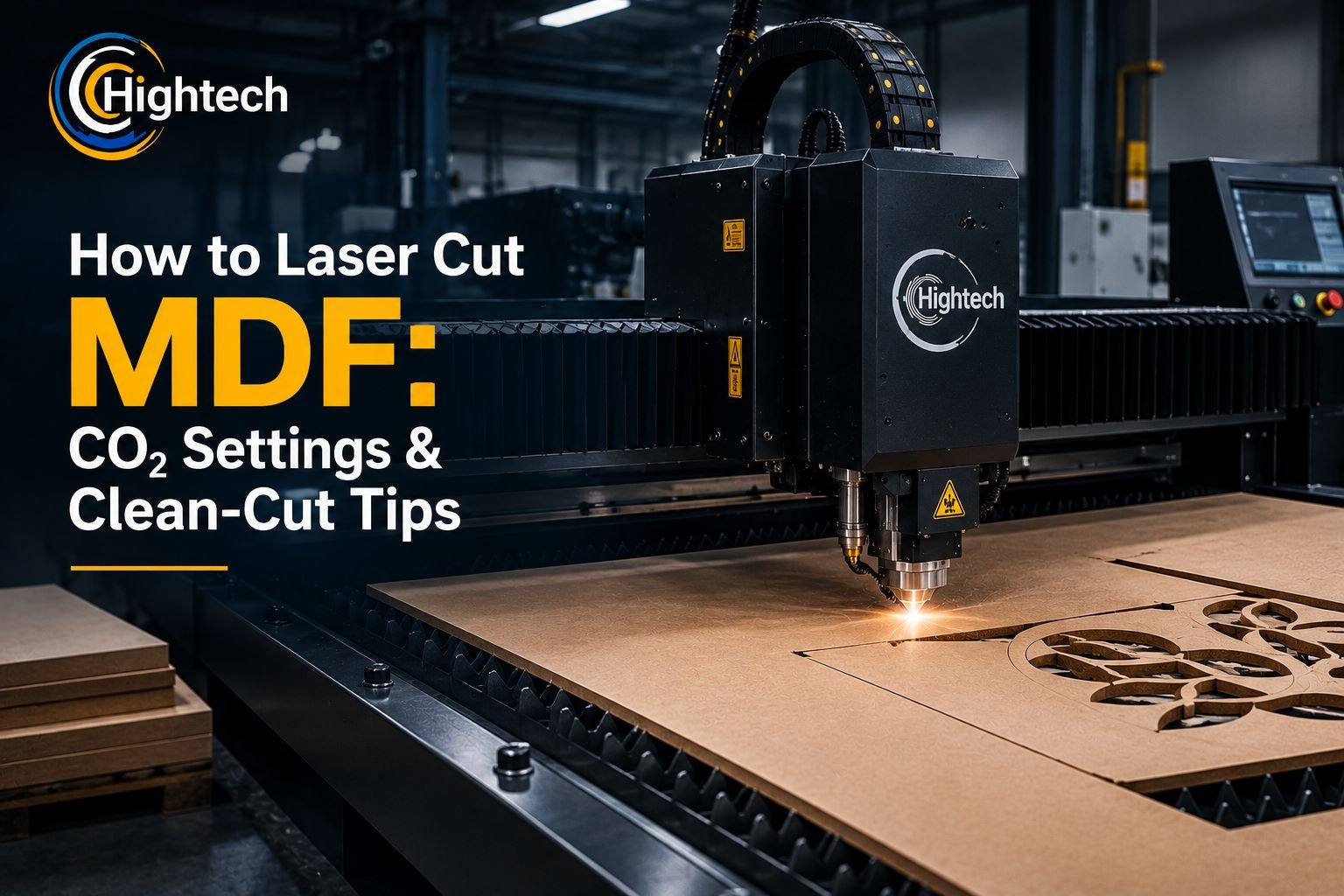
Table of Contents
Quick Answer
Yes, MDF can be laser cut, and a CO₂ laser is usually the most practical choice for clean, repeatable workshop results. Use MDF with known, laser-compatible composition, set focus for the actual sheet thickness, run effective exhaust and air assist, and test the power/speed balance on scrap from the same batch before starting the production file.
Can You Laser Cut MDF?
MDF, or medium-density fiberboard, is a uniform wood-fiber composite that can be laser cut into detailed shapes for signage, décor, models, templates, display components, and other repeatable parts.
Its binder system is the main variable. Resin content and density can change smoke, edge darkening, and cutting resistance. Confirm the board composition and laser compatibility before use, especially if it has coatings, laminates, or treatments.
Why CO₂ Lasers Are Well Suited to MDF
CO₂ lasers are designed for non-metal materials such as wood and density board. A focused beam follows vector paths without mechanical contact, supporting intricate contours and repeatable production without router bits or saw blades.
Diode lasers may cut some thin MDF, but CO₂ is generally the more practical workshop choice when throughput, working area, and consistent cut-through matter. The selected machine, optics, airflow, and laser configuration still have to match the thickness and production target.
Which MDF Is Best for Laser Cutting?
Use untreated MDF with a known composition and supplier information that supports laser processing. Do not assume every MDF product behaves the same. Unknown laminates, films, coatings, fire-retardant treatments, or additives can change cutting behavior and fumes.
If composition is uncertain, do not process the board until the supplier or manufacturer confirms suitability. Effective fume extraction is required during accepted MDF cutting, and the machine should never be left unattended. For a broader checklist, see Hightech’s CO₂ laser machine safety tips.
How to Cut MDF With a Laser: Step by Step
- Verify the MDF. Confirm the sheet type and composition. Do not process an unknown coated, laminated, or chemically treated board without supplier or manufacturer confirmation.
- Prepare the design file. Use clean vector paths, confirm dimensions and units, remove duplicate lines, and separate cutting from engraving layers. Duplicate vectors can add heat and widen the kerf. See Hightech’s guide to the best file formats for CO₂ laser cutting for deeper file-preparation guidance.
- Inspect the machine. Check the lens and mirrors as applicable, clear debris from the bed, and confirm cooling and extraction are operating. Dirty optics reduce delivered energy and can lead to unnecessarily slow or high-power cutting.
- Place the MDF flat and set focus. Load the sheet on a suitable honeycomb or knife bed and focus for the actual thickness. Warped stock changes the beam-to-material distance and can cause inconsistent cut depth.
- Turn on exhaust and air assist. Start both before cutting. Airflow helps clear smoke and debris from the kerf, while extraction removes smoke from the cutting area.
- Run a same-material test cut. Use scrap from the same sheet or batch. A small test grid is more reliable than copying settings from another machine because MDF density, binder content, optics, power, focus, and airflow all affect the result.
- Frame the job and start cutting. Preview the job to verify position and clearance. Remain at the machine and watch for sustained flame, abnormal smoke, or over-burning.
- Check cut-through before moving the sheet. Verify that parts have separated cleanly. If not, check focus, optics, airflow, flatness, and the power/speed balance before simply adding repeated slow passes.
- Clean the part and work area. Remove loose soot and lightly sand, seal, or paint edges if needed. Clean residue from the bed and inspect the exhaust path after smoky jobs.
What Do You Need for MDF Cutting With a CO₂ Laser?
Prepare a CO₂ laser cutter with an appropriate working area and power configuration, effective exhaust, active air assist, clean optics, a suitable cutting bed, a production-ready vector file, and same-batch scrap for testing. The operator should have a fire-safe procedure and remain present for the full cutting cycle.
Hightech’s current CO₂ laser cutting and engraving range spans compact through large-format systems, with MDF/density board listed among supported non-metal materials on multiple models. Choose the machine around sheet size, thickness, and required daily output rather than a single published “MDF setting.”
What CO₂ Laser Settings Should You Use for MDF?
There is no universal power-and-speed recipe for MDF. Tube power, beam condition, focus, air assist, extraction, MDF density, binder content, sheet thickness, and batch variation all affect the energy needed for a clean cut.
Treat saved profiles as starting points. Re-focus for the current thickness, confirm optics and airflow, then test same-batch scrap. For broader parameter guidance, Hightech’s article on optimizing CO₂ laser settings explains the interaction between power, speed, focus, and air assist.
|
MDF thickness |
CO₂ laser approach |
What to tune |
Air assist / exhaust |
Practical note |
|---|---|---|---|---|
| Thin MDF (about 3 mm / 1/8 in) | Often suitable for an efficient single-pass workflow | Balance power and speed first; verify focus | Strong / active | Test the same sheet; some edge darkening is normal. |
| Medium MDF (about 6 mm / 1/4 in) | Needs more delivered energy than 3 mm stock | Prioritize focus, airflow, and cut-through consistency | Strong / active | Density and resin content can change results noticeably. |
| Thicker MDF (over 6 mm) | Confirm the machine/configuration is suitable for production-quality cutting | Check focus, power, speed, airflow, and process efficiency | Strong / active | Do not assume a maximum thickness without a verified test. |
How Power, Speed and Passes Work Together
Power sets available energy; speed controls how long that energy acts on the cut. Too little energy leaves fibers connected, while excessive dwell time increases char, smoke, and kerf width. Aim for efficient cut-through with the least unnecessary heat.
Change one variable at a time. If a cut nearly reaches through, verify focus and optics before automatically slowing the machine. A clean, well-tuned pass is preferable to repeated slow passes where the machine and material allow it.
Focus, Air Assist and Exhaust
Correct focus concentrates the beam for efficient cutting. Poor focus reduces energy density and often forces hotter, slower settings. Air assist clears the kerf and helps control local flame; exhaust carries smoke away before it can re-deposit on the surface. Both directly affect cut quality.
How Do You Laser Cut MDF Without Excessive Burn Marks?
Some edge darkening is normal, but excessive charring can usually be reduced. Start with correct focus and clean optics, then tune for the fastest reliable cut-through instead of letting the beam dwell. Keep air assist and extraction strong, and use a bed setup that does not trap smoke around the part.
For top-surface smoke staining, suitable low-tack application tape or paper masking can help. Test masking first and clean parts promptly after cutting so loose soot does not smear.
Why Is My Laser Not Cutting Through MDF?
|
Problem |
Likely causes |
Recommended checks / adjustments |
|---|---|---|
| MDF will not cut through | Speed too high, insufficient power, wrong focus, dirty optics, weak air assist, dense/resin-heavy batch, warped sheet | Re-focus, clean optics, improve airflow, and test a modest speed reduction or power increase within machine guidance. |
| Edges are heavily charred | Excess dwell time, weak airflow, repeated slow passes, dirty optics, smoke lingering near the cut | Improve air assist/extraction, confirm focus, clean optics, and tune for a more efficient pass. |
| Smoke stains the top surface | Weak extraction, smoke re-deposition, low airflow, bed flashback | Improve exhaust and air assist; review bed setup and consider suitable masking. |
| Sustained flame | Excess heat, poor airflow, debris in the bed/exhaust path, unsuitable material | Stop the job safely, inspect material and machine, clean debris, restore airflow, and reassess settings. |
| Inconsistent depth across the sheet | Warped MDF, focus variation, uneven bed, dirty optics, material density variation | Flatten or secure the sheet, check bed level/focus, clean optics, and test different areas. |
| Kerf is too wide or fine details disappear | Excess energy, poor focus, feature size too small for material/thickness | Improve focus, reduce delivered energy as appropriate, and increase the design’s minimum feature size. |
Frequently Asked Questions
Can you laser cut MDF?
Yes. MDF can be laser cut with a suitable system, and CO₂ lasers are commonly used for production-oriented MDF work. Verify board composition, use ventilation and air assist, and test the actual material batch.
What type of laser is best for cutting MDF?
A CO₂ laser is generally the best production-oriented choice because it is suited to non-metal materials such as wood and density board. Diode lasers can be considered for thinner material and lighter-duty hobby workflows.
Can a CO₂ laser cut 1/4-inch (6 mm) MDF?
Many CO₂ systems can process 1/4-inch MDF, but performance depends on power, focus, optics, airflow, material density, resin content, and the exact configuration. Confirm with a same-material test rather than assuming another machine’s setting will transfer.
How do you laser cut MDF without burning the edges?
Some darkening is normal. Reduce excessive charring with correct focus, an efficient power/speed balance, strong air assist and exhaust, clean optics, and suitable masking when surface smoke is the main issue.
Can you engrave MDF with a CO₂ laser?
Yes. MDF’s uniform surface can produce consistent engraving. Use a separate tested engraving profile because engraving has different parameter goals than cutting.
How to cut MDF without power tools?
Manual alternatives include a hand saw or coping saw, depending on thickness and shape. A laser cutter is powered equipment, so manual cutting is an alternative method rather than part of the laser workflow.
Latest contents



Prefer a callback? Share your details and requirements below.
Your details will only be used to respond to this request.